Hello everyone,
As implementation of technology in our classrooms becomes more important in preparing our students for the future, so does the need for learning management systems (LMS) to help bring together resources to ensure student success. Before deciding on an LMS program,it is important to evaluate different systems that are available. Taking into consideration the needs for your school and community will help you zero-in on what program will best benefit your classroom and students (Novinson, n.d.).After looking through several different LMS programs I felt that two, Edmodo and Schoology, could benefit my school the most.
Both Edmodo and Schoology offer similar functionality in terms of managing students learning (Edmodo, n.d.; Schoology, n.d.). Schoology and Edmodo are both engaging LMS programs that will help foster student motivation and learning. Both programs are great in their own way, however,after poking around the programs I personally found that Schoology was a better choice for my school’s needs. My school already has the use of Microsoft 365 program and utilize several other learning tools that could be easily implemented into Schoology.
Schoology and Edmodo are initially intuitive, and once you create your account getting started is simple. I personally like the layout of Schoology better than Edmodo. I like the familiarity of the Edmodo page,however, feel that it is too cluttered, and I dislike the adds located to the sides of the page. I feel Schoology is more professional looking and easier to navigate to through students’ assignments and find what documents you need.
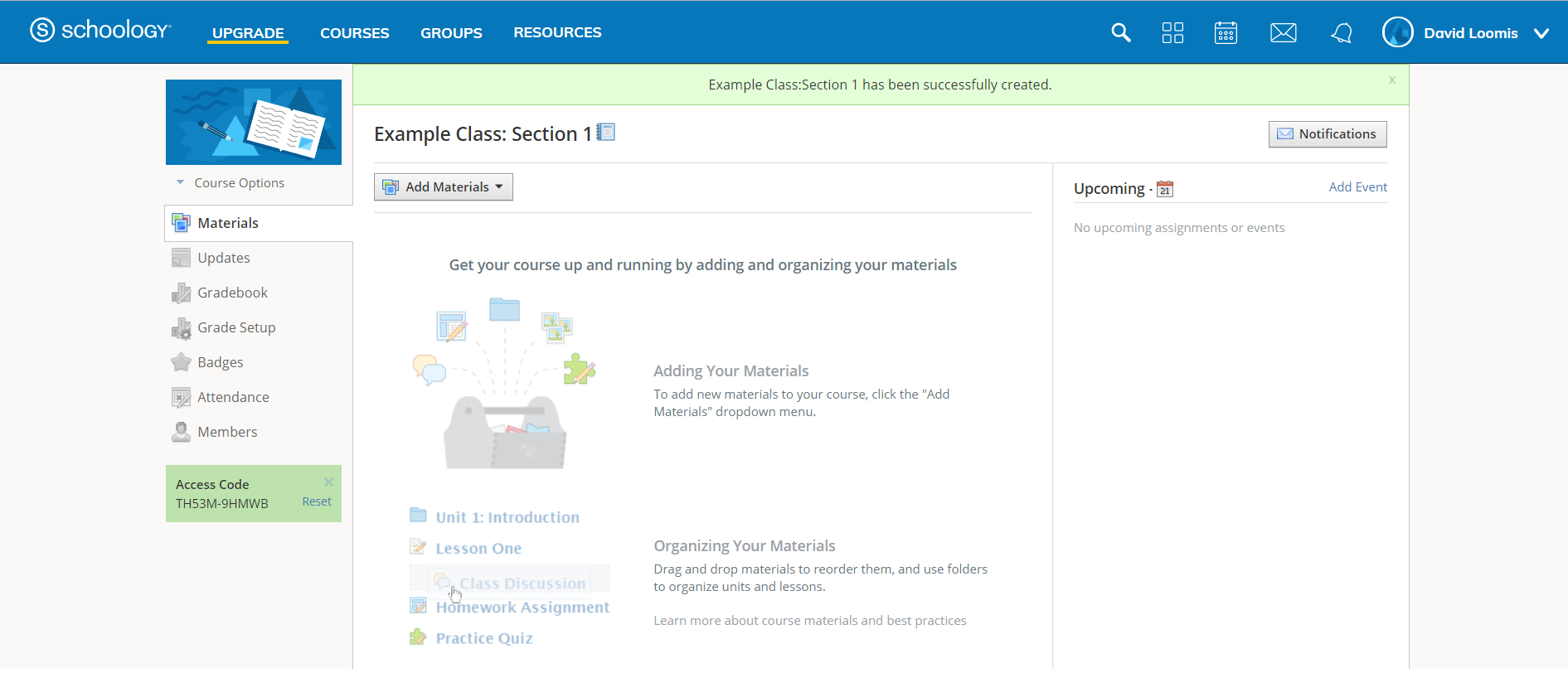

Both programs have the capability to connect to other 3rd party programs (Finances Online, n.d.). Overall, the Schoology site is intuitive and seamlessly connects to a plethora of 3rd party programs that you may be using in your classes already (Hughes, 2015). I love the fact that you can access your Google Drive and Microsoft 365’s OneDrive and Office Suite accounts and upload documents to Schoology or download files from Schoology to your cloud storage account (Schoology, n.d.). Edmodo also has Microsoft 365 compatibility as well, however, I felt that uploading files to Schoology seemed easier and I was better able to manage and share my documents (Edmodo, n.d.). Schoology also overs over two hundred different tools and platforms for teachers to incorporate with their site (Schoology, n.d.)
I have one personal drawback to using Schoology over Edmodo. There is not a specific section for world languages with Schoology that I have found, and the groups and support systems are catered to content other than foreign language (Schoology, n.d.). Edmodo offer support for teachers who teach foreign languages (Edmodo, n.d.). However, from a district standpoint, I feel that Schoology would be a better fit, especially since core teachers are easily able to align their content to Common Core and State Standards (Finances Online, n.d.). Even though there is a lack of support for foreign languages (that I’ve seen, I could be missing it though)through the site, I can easily customize this program to fit my needs because I can create custom applications through Schoology (Schoology, n.d.).
Before taking my word on either of these programs, investigate them yourself and find what fits best for your district. Edmodo and Schoology are both great programs you can utilize with your students. What works for my district may not be what your district needs. Good luck and happy exploring.
References:
Edmodo. (n.d.). Home page. Retrieved from: https://edmodo.com
Finances Online.(n.d.) Schoology vs Edmodo. Retrievedfrom: https://comparisons.financesonline.com/schoology-vs-edmodo
Hughes, K. (2015). 5 reasons to use schoology. Retrieved from: https://www.youtube.com/watch?v=-lrGqoykMRg&feature=youtu.be
Novinson, E. (n.d.). Whatare the pros & cons of a learning management system?. Retrieved from: https://classroom.synonym.com/pros-cons-learning-management-system-8222356.html
Schoology. (n.d.) Advance what’s possible. Retrieved from: https://schoology.com
 Blog Space for Concordia Classes